Practice English Speaking with Real People
One tap connects you with a real English learner for a live voice call, anytime you want to practice. No scheduling, no waiting — just real conversation.
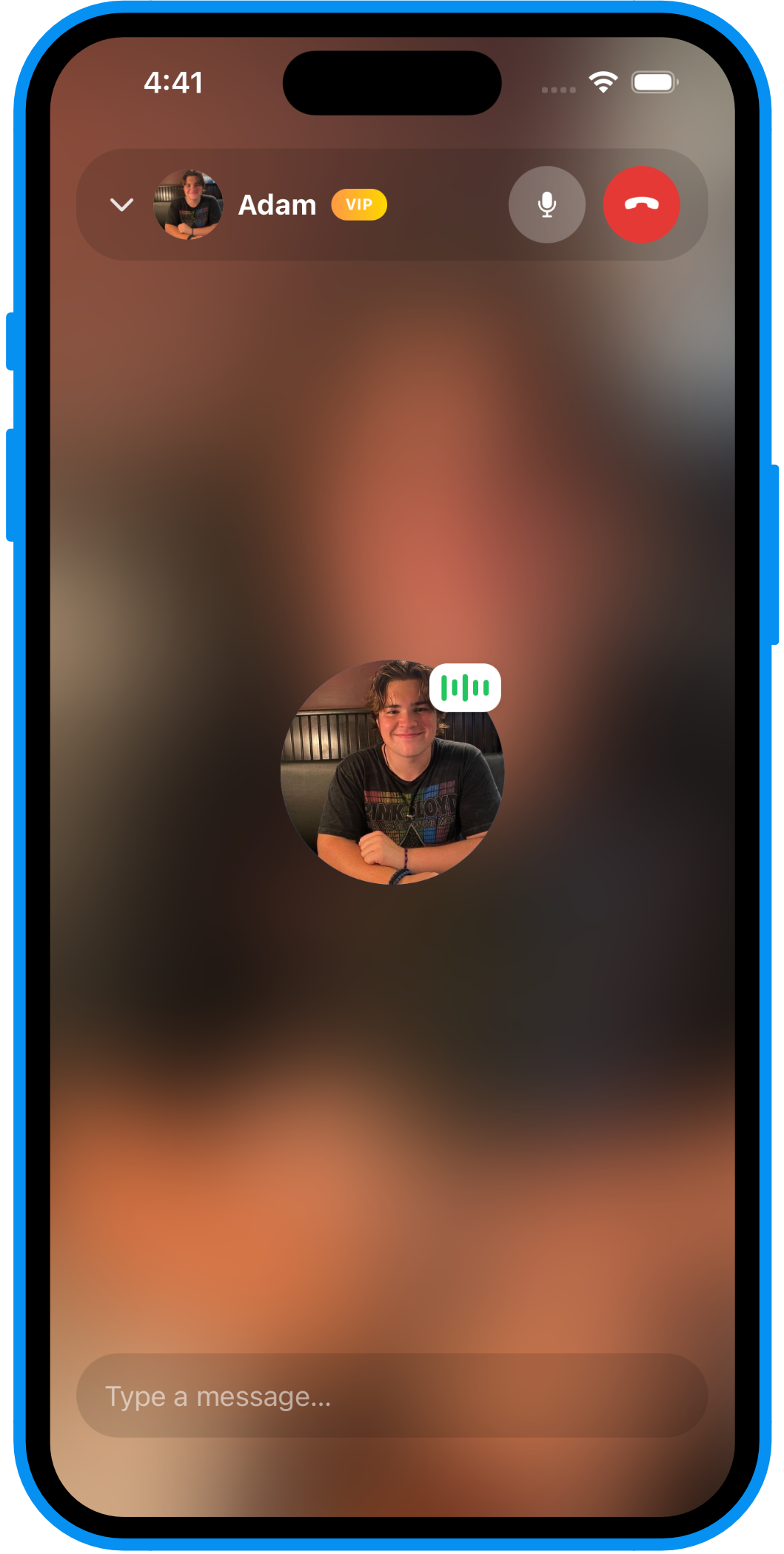
One tap. A real match. A live call.
No profiles to browse, no messages to send first. Just tap and talk.
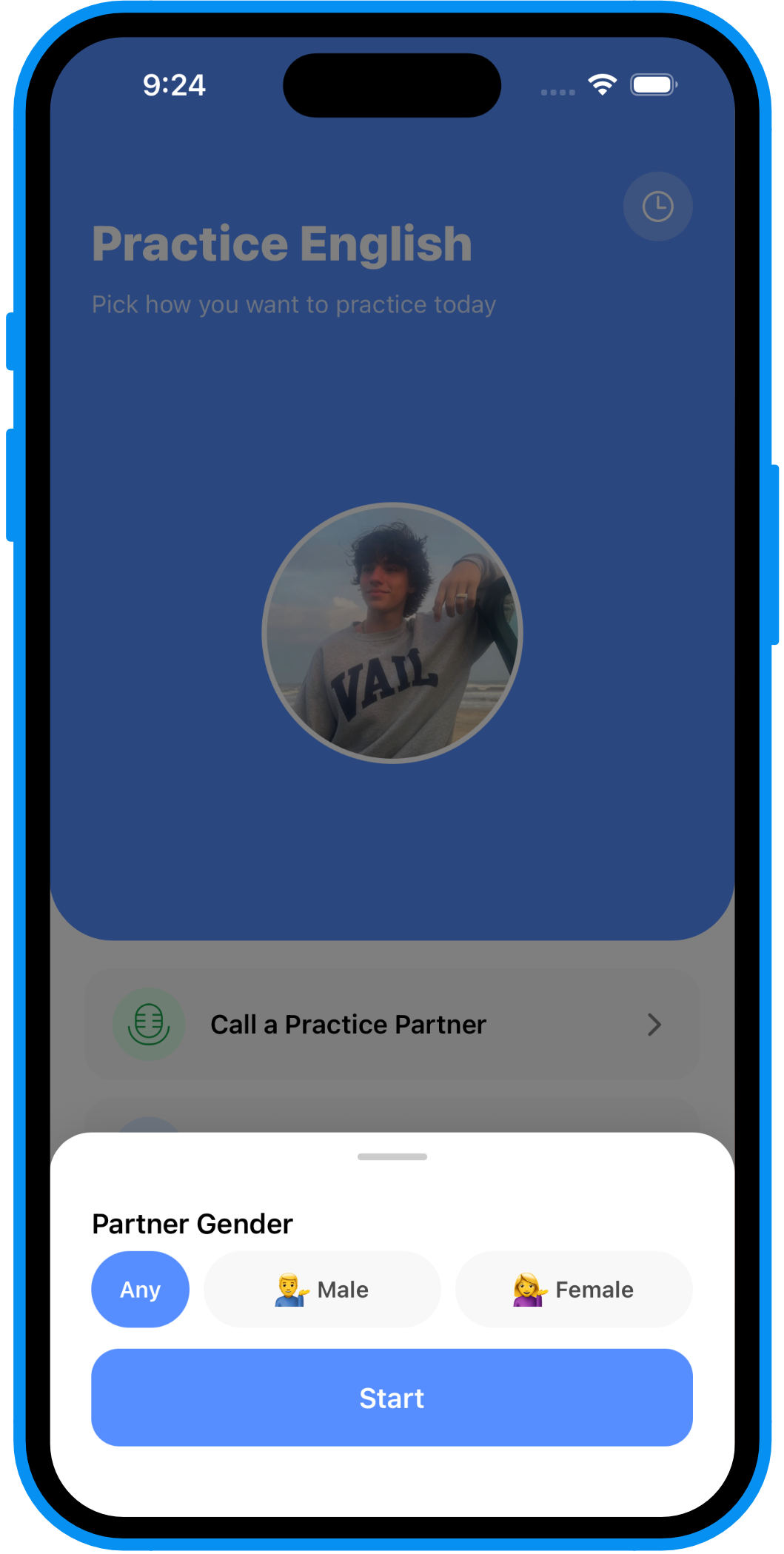
Tap to start
Tap once. You're instantly matched with someone ready to practice English, right now.
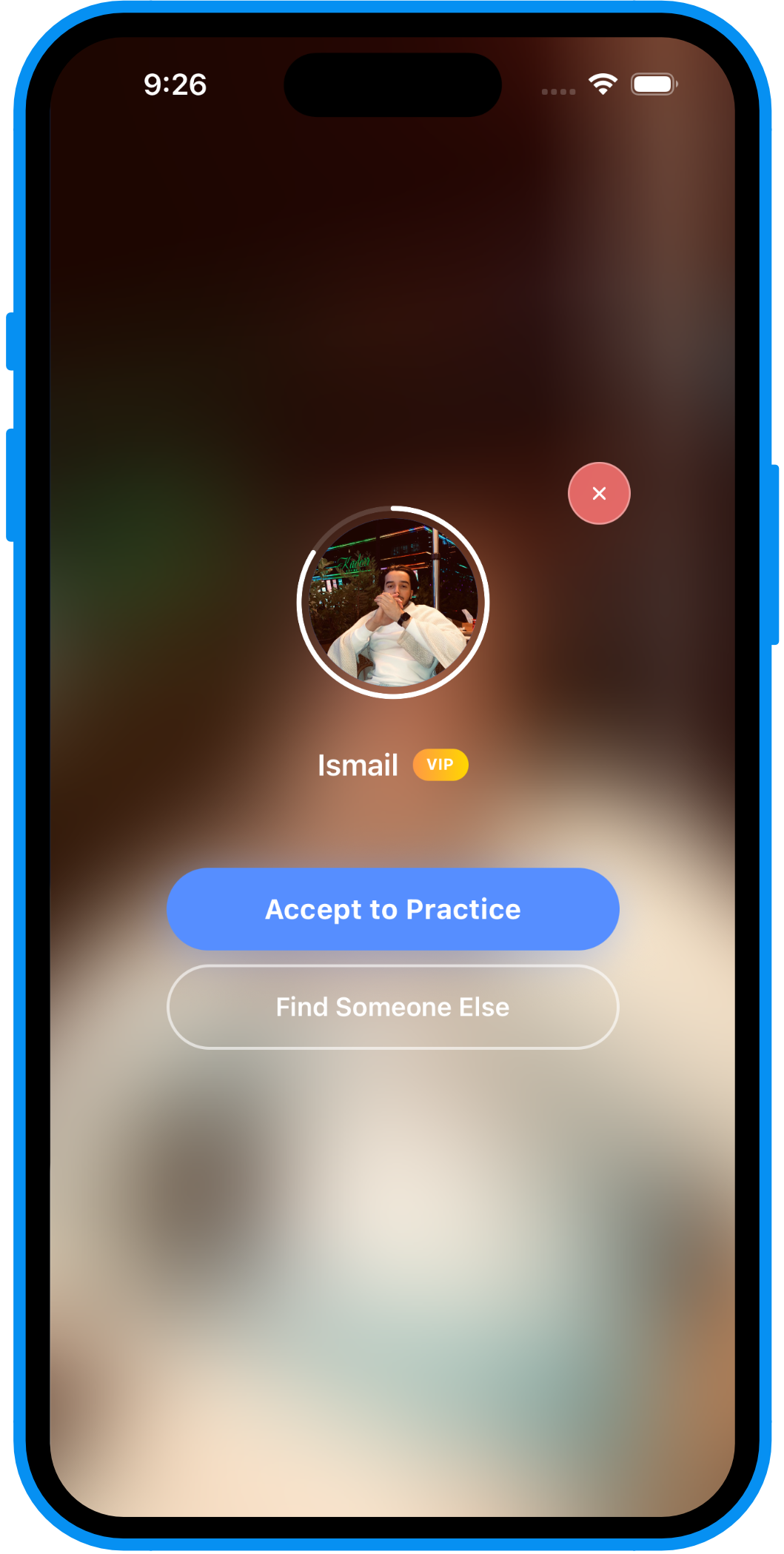
See who you matched with
Meet learners from all over the world. See who you got, then jump on the call.
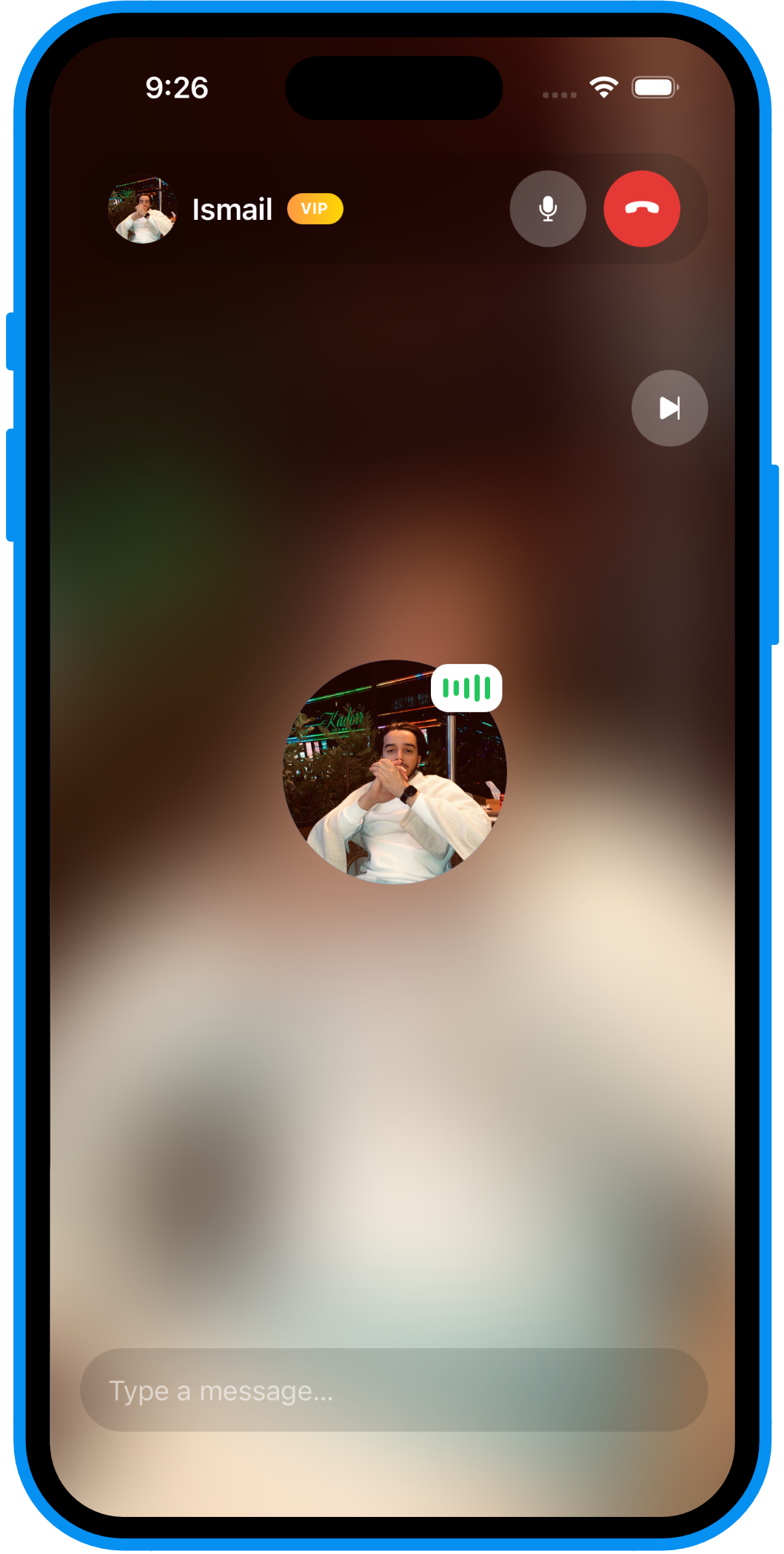
Talk, and skip whenever
Practice English out loud, laugh at your mistakes, and get better. Skip anytime and meet someone new.
How this is different from random chat apps.
Everyone here is doing one thing: practicing English. That changes everything.
Everyone's here to practice
This isn't Omegle. Every single person on the other end opened this app to practice English — not to kill time. The context changes the entire conversation.
You choose before you commit
You see who you matched with before the call connects. If it's not a fit, find someone else with one tap — no awkward "gotta go" mid-conversation.
Never left waiting
No one online right now? Catlangu drops you into AI practice automatically. You always have someone — or something — to talk to.
Report and block, always available
If a conversation goes somewhere it shouldn't, reporting and blocking are always one tap away — from the call screen, not buried in settings.
Questions about English conversation practice
Is it safe to talk to strangers on Catlangu?
You always see your match's name and photo before the call connects, and you can decline and find someone else with no explanation needed. Report and block are available directly from the call screen. Premium also unlocks gender-preference matching, if that matters to you.
Can I choose who I talk to?
You can't search or filter by profile before matching, but you always see who you've been matched with before the call starts, and can decline to be matched with someone else. Premium adds a gender-preference filter for matching itself.
What if no one is online?
Catlangu searches for a real match for up to 30 seconds. If no one's available, you're automatically dropped into AI practice instead — so you're never left staring at an empty screen.
How long do the calls last?
Calls can run up to 30 minutes. You can end the call or skip to a new person at any point — there's no minimum commitment.
Is it free?
Yes. Quick Match calls are free with no daily limit. Catlangu Premium adds gender-preference matching and unlocks your 24-hour match history.
How is this different from apps like Omegle?
Catlangu is built specifically for English learners, not general random chat. Everyone you match with opened the app to practice English, which means every conversation starts from shared purpose — not from nothing.
Ready to Practice English?
Free to download. Free to start. Your next conversation partner is one tap away.